Jeetwin Login and App Login: One Username for Every Device
Our Jeetwin login takes two fields: the username you picked at sign-up and your password. Tap Login in the header, fill both in and press the Login button again. That opens your BDT wallet on Jeetwin Bangladesh. The Jeetwin app login works the same way: the Android APK and the iPhone web app use one username and one password, so your balance, bonuses and VIP Points follow you from the laptop to the phone. We do not add a one-time code at login, and there is no Google or Facebook sign-in.
Once you are in, the cashier takes bKash, Nagad, Rocket, UPay, Tunepay and USDT deposits as soon as your phone number is verified.
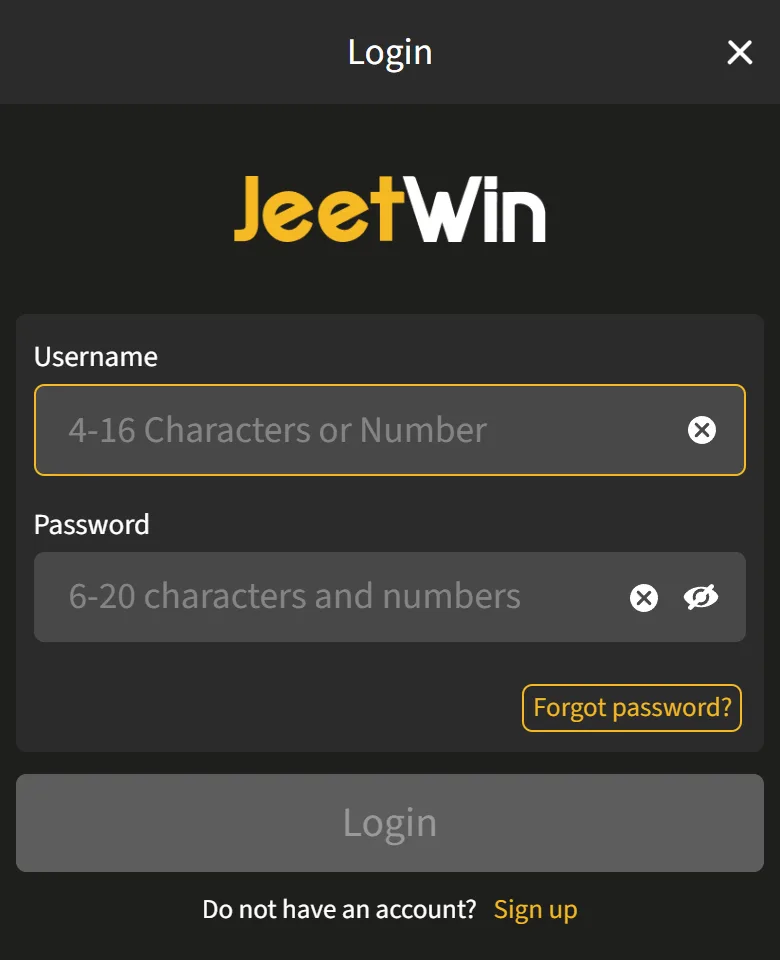
Tap a field to see its rule.
- Username 4-16 letters or numbers, exactly as you set it when you joined.
- Password 6-20 characters with at least one letter and one number.
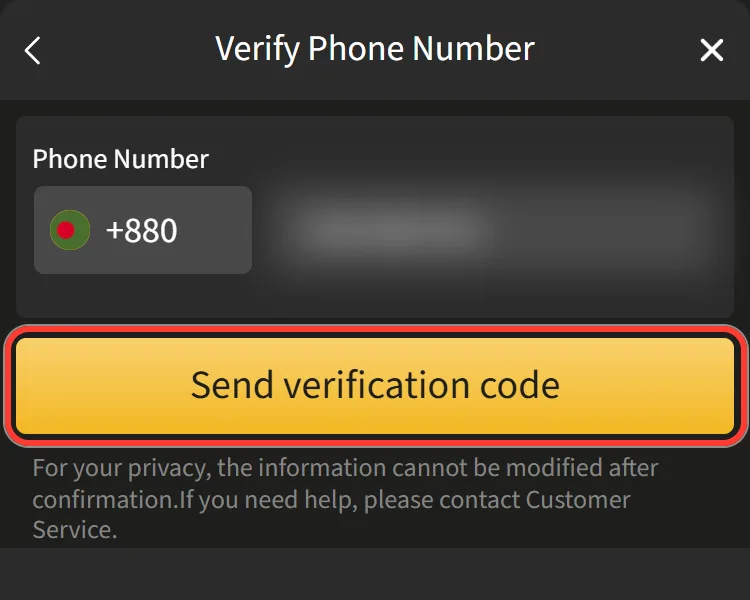
Enter your number after +880 and press "Send verification code". After three failed SMS resets the form makes you wait 72 hours.
Type your address and press "Send verification code". It works only if an email is added to your account in Personal Info.
Signing In on the Website: Two Fields and a Button
The Jeetwin log in form is the same on a computer and in a mobile browser. Keep your username and password ready before you start.
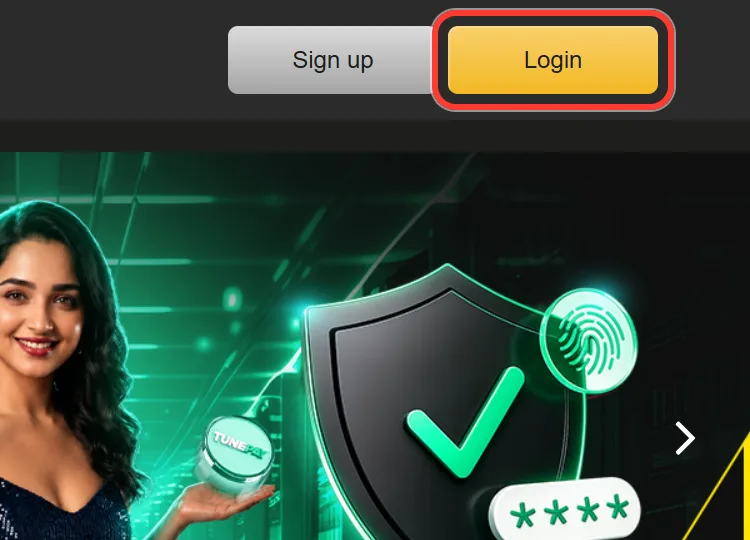
Open the official Jeetwin site and press Login in the top right corner.
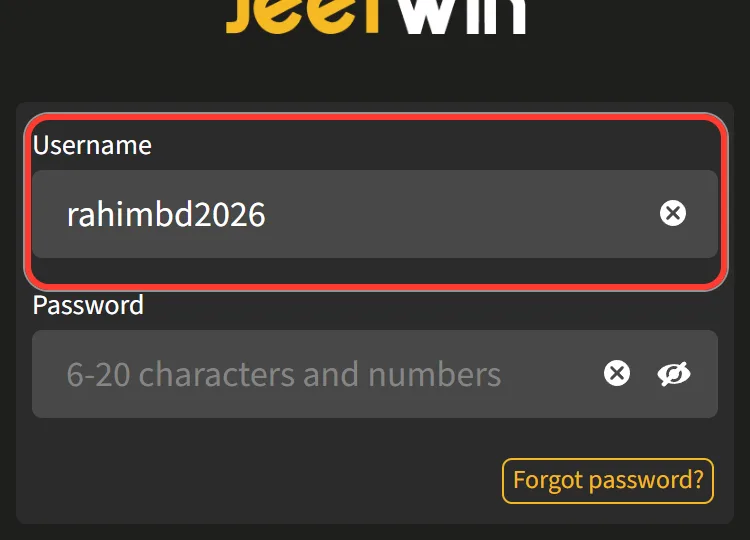
Type your username. It is 4-16 letters or numbers, exactly as you set it when you joined.
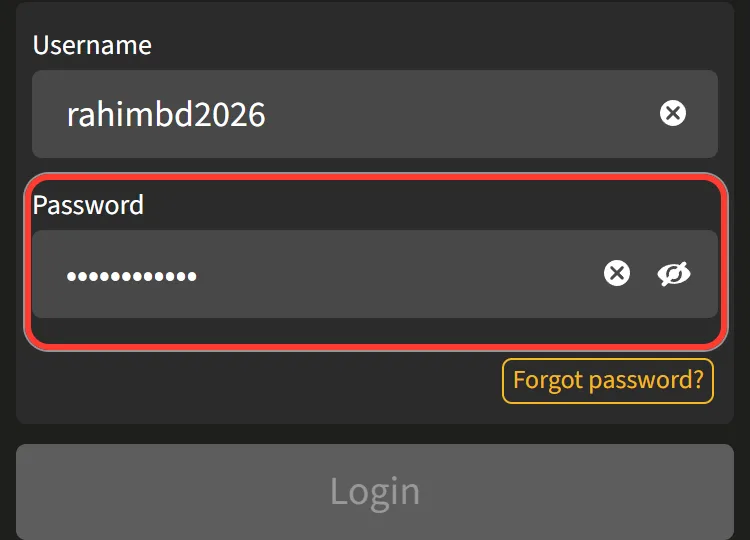
Type your password: 6-20 characters with at least one letter and one number.
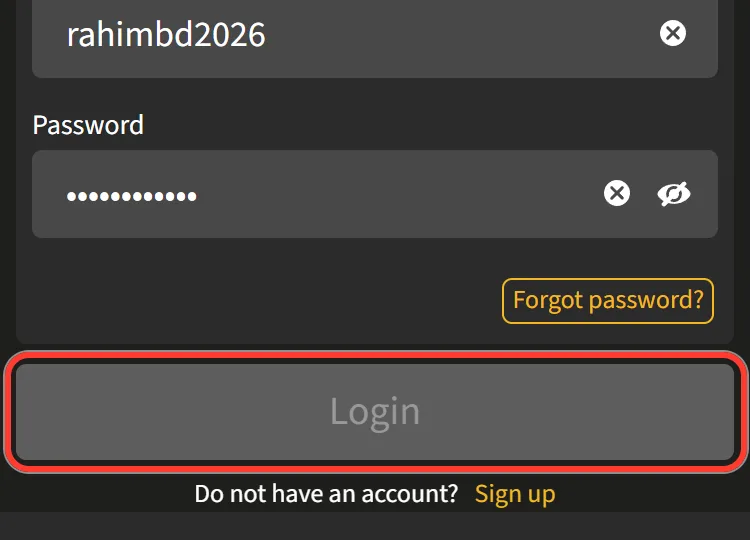
Press Login. The header now shows Deposit, your Main Wallet balance and the profile icon.
Under the button you will also see "Forgot password?" and "Sign up". If you never finished registration, create a Jeetwin account first: the form asks for a username, a password and a +880 number, and you then type the first two into the Jeetwin login online form.
Jeetwin App Login on Android and iPhone
Signing in from a phone gives you three routes, and each one opens the same account. Pick the one that suits your handset.
Android APK. Download the 9.3 MB file only from the app page of the official Jeetwin site, allow Unknown sources as the Installation help on that page explains, then open the app and enter your username and password. If another site offers a Jeetwin login Bangladesh download, that APK is not ours, so never sign in through it.
iPhone. We have no native iPhone app. Open the official site in Safari and add the JeetWin Web App to your home screen; it starts like an app and asks for the same two fields.
Mobile browser. No install needed. After login a bar at the bottom shows Home, Promotions, Deposit and My Account.
The username and password do not change between these routes. If you reset the password on one device, use the new one everywhere.
Login Trouble Checker: Symptom, Cause, Fix
Find the line that matches what you see.
Pick a symptom to see the likely cause and the fix.
- Symptom
- Cause
- Fix
| Symptom | Likely cause | What to do |
|---|---|---|
| Username or password is not accepted | A typo, or a Bangla keyboard | Switch the keyboard to English and retype. Still refused: reset the password by SMS. |
| You forgot the username | Resets work by phone or email only | Email support with the +880 number on the account. |
| The SMS code does not arrive | A wrong number, or three failed SMS resets | Check the +880 number. After 3 failed SMS resets you wait 72 hours, or use the Email tab. |
| The Email tab finds nothing | Sign-up does not ask for an email | Use the SMS tab, or add an email in Personal Info for next time. |
| You are in, but Deposit stays locked | The phone number is not verified | In Personal Info press Verify and enter the SMS code within 5 minutes. |
| The site or app will not open today | Weak connection, old cache or a third-party APK | Reload, clear the browser cache, reinstall the APK from the official site, then email support. |
| The account shows as closed | A second account in your name | Contact support. Duplicate accounts are closed too. |
None of these fits your Jeetwin login problem? Our live chat runs 24/7: tap the icon in the bottom right corner, enter your username and phone number and press Start Chat. Our email is support@jeetwin.online. The Telegram and WhatsApp channels carry news only, and we have no phone line.
Resetting a Lost Password by SMS or Email
You need the phone or the inbox linked to your account. The username stays the same.
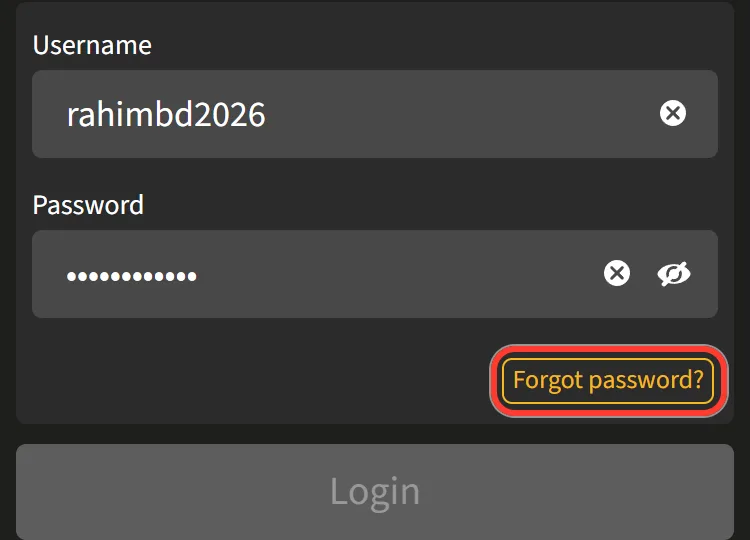
On the Login window, press "Forgot password?".
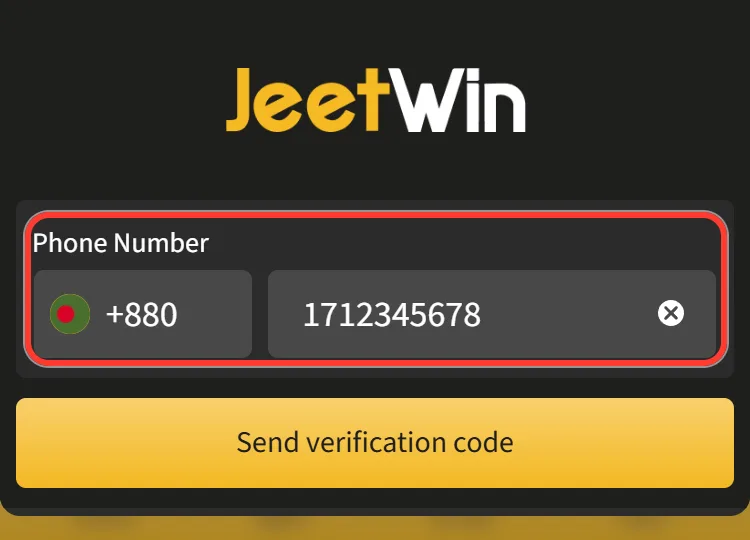
Stay on the SMS tab and enter your number after +880, or switch to the Email tab and type your address.
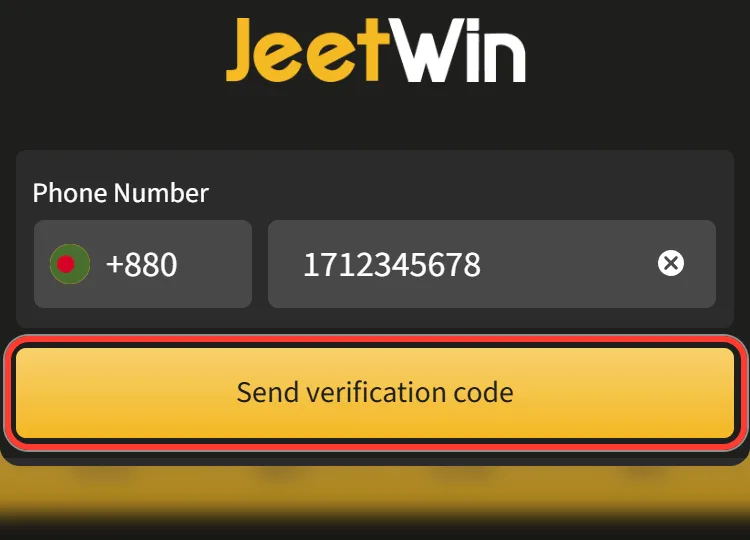
Press "Send verification code".
Use the code you receive to finish the reset, then sign in with the new password.
Two limits matter here.
Good to know
After three failed SMS resets the form makes you wait 72 hours, so check the number before each try.
The Email tab works only if an email is added to your account in Personal Info; the sign-up form does not ask for one.
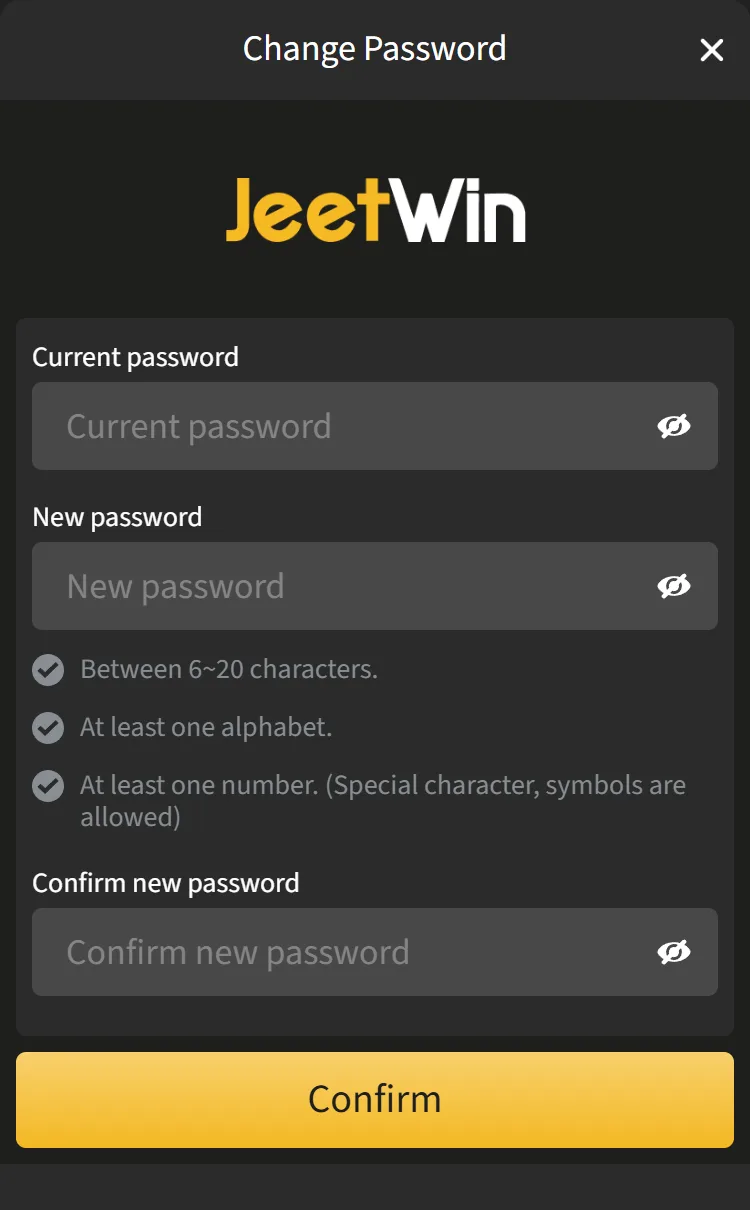
If you still know your password and just want a new one, sign in and open Change Password in the profile menu. Enter the current password, the new one twice (6-20 characters, a letter and a number, symbols allowed) and press Confirm.
Quick Answers on Signing In
Can I sign in with my phone number instead of the username?
No. The Login window has a Username field, and the phone number is used for password resets and verification. If the username is gone from memory, email support with the +880 number on the account.
Does Jeetwin live casino login need a separate account?
No. Live Casino with its 1,079 games, the sportsbook and the slots all open from the same account and the same Main Wallet once you are signed in.
Can I use the site in Bangla?
Yes. The site has English and বাংলা versions, and your username and password are the same in both.
Is there a reward for signing in every day?
Daily Check-In Rewards gives VIP Points and Spin Tickets for each day you check in. It needs a verified phone number, and the cycle restarts every Monday.
Verify Your +880 Number to Open the Cashier
Right after your first Jeetwin login, the account works for browsing, but the cashier needs one more step. We open deposits only after your phone number is confirmed by an SMS code, and withdrawals also need your Full Name in Personal Info. Both are set once and cannot be edited later without support.
The profile menu groups everything your online account offers:
| Menu group | Items |
|---|---|
| Wallet | Deposit, Withdrawal, Bonus Wallet, Free Spin, Voucher |
| Rewards | My Rewards, Real-Time Bonus, Refer Bonus, Winner Board, Daily Streak Challenge |
| History | Betting Records, Turnover, Transaction Records |
| Profile | Personal Info, My VIP, Change Password, Inbox, Log out |
When the number is verified, the Jeetwin payment methods appear under Deposit: bKash, Nagad, Rocket, UPay, Tunepay and USDT, each with its own limits in the form. There is no separate Jeetwin VIP login either: My VIP sits in the same menu, and your VIP Points from real bets show next to your username in the profile menu.